

DeepL
How to translate your HelpSpace Docs into multiple languages
Docs pages in HelpSpace can be created in multiple languages. Each site has a primary language, which serves as the basis for translating the article and content into additional languages. To make translations fast and effortless, HelpSpace integrates with DeepL.
DeepL API key
DeepL offers both free and paid API keys.
Often, the free API key is completely sufficient—especially if translations are done occasionally. Which option is best depends on how frequently and how much content you translate.
Set up DeepL in HelpSpace
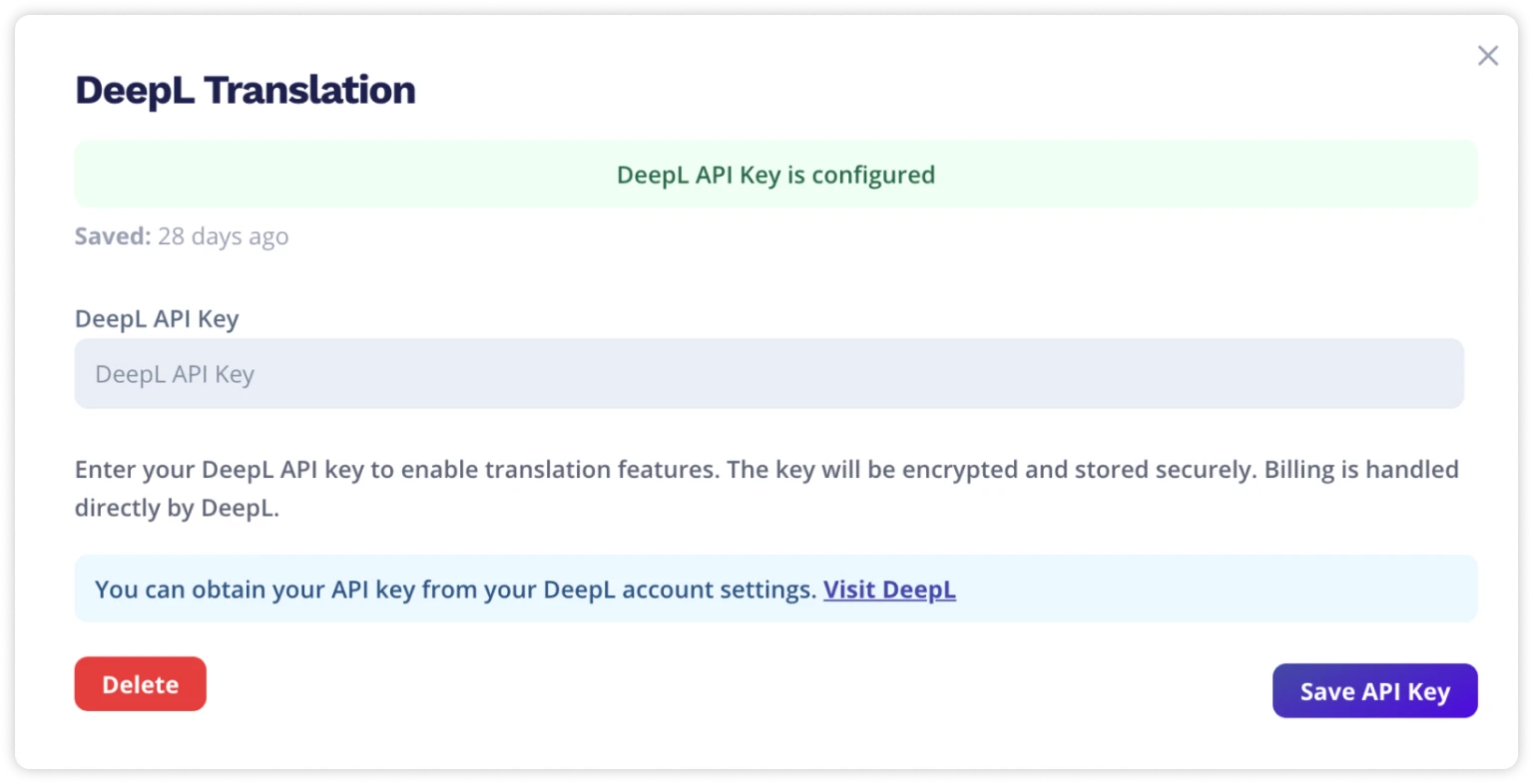
Once you’ve created your DeepL API key, add it in HelpSpace under:
Settings → Integrations → DeepL
Thereafter, the translation feature is immediately available in your Docs.
Requirements
The translation feature is available with the HelpSpace Team or Business plan.
